Why Table Partitioning Does Not Speed Up Query Performance (video)
Category:
query-performance
Learn why SQL Server’s table partitioning feature doesn’t make your queries faster– and may even make them slower.
Learn why SQL Server’s table partitioning feature doesn’t make your queries faster– and may even make them slower.
SQL Server 2016 brought in a cool new little feature for table partitioning: you can now truncate individual partitions. There’s one little gotcha, though: you can only do this if all the indexes on the tables are “aligned”.

Before you do all the work to map out a complex sliding window table partitioning scheme for your SQL Server tables, here’s the top five questions I’d think through carefully:
Some folks think they need partitioning for performance– but it really shines as a data management feature. Just because you’ve got tables with millions of rows in them doesn’t necessarily mean that partitioning will make queries faster. Make sure you’ve worked through traditional indexing and query re-writes first. Partitioning is lots of work, so don’t skip this question.

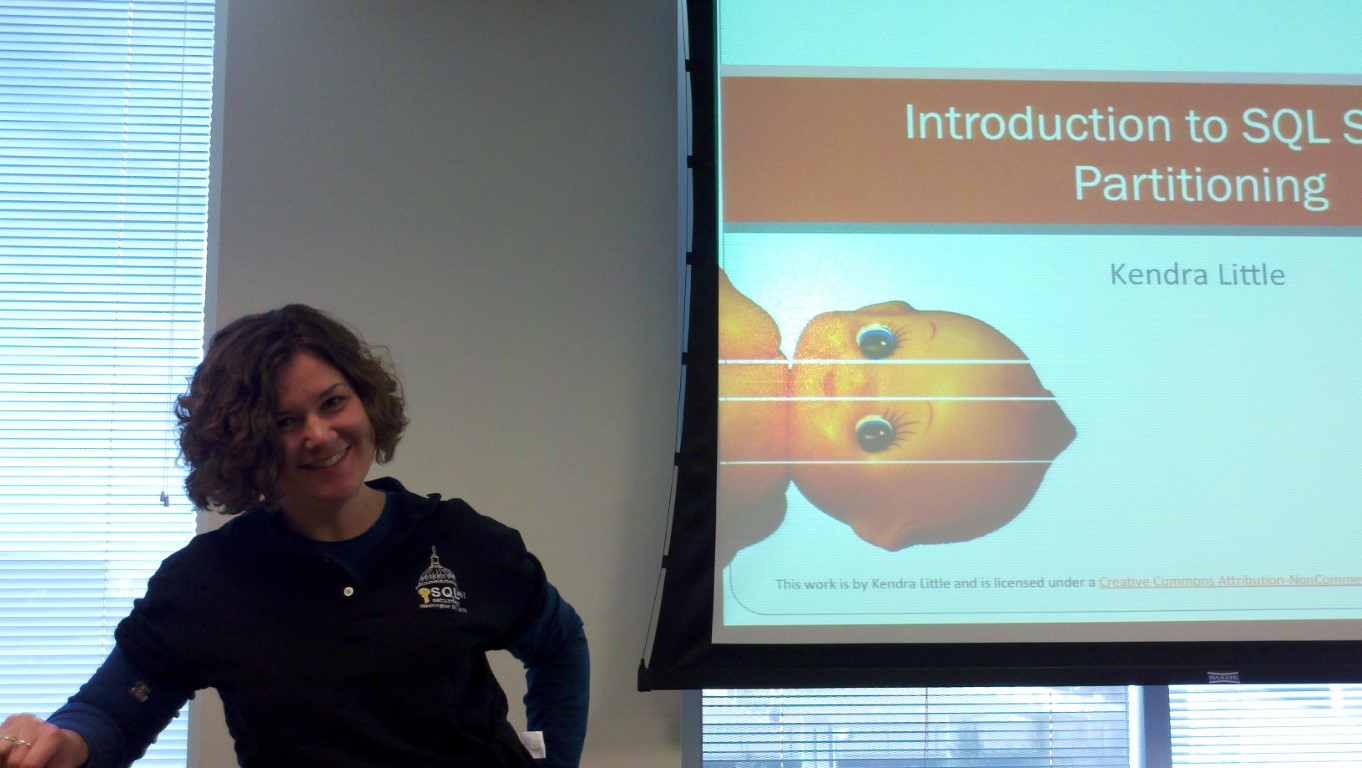
A few weeks back, I presented on SQL Server Table Partitioning at the first SQLRally conference. The event was energizing and fun– there were great conversations and I sat in on fun sessions. I particularly enjoyed Todd Robinson’s session on caching with App Fabric.
Copyright (c) 2025, Catalyze SQL, LLC; all rights reserved. Opinions expressed on this site are solely those of Kendra Little of Catalyze SQL, LLC. Content policy: Short excerpts of blog posts (3 sentences) may be republished, but longer excerpts and artwork cannot be shared without explicit permission.