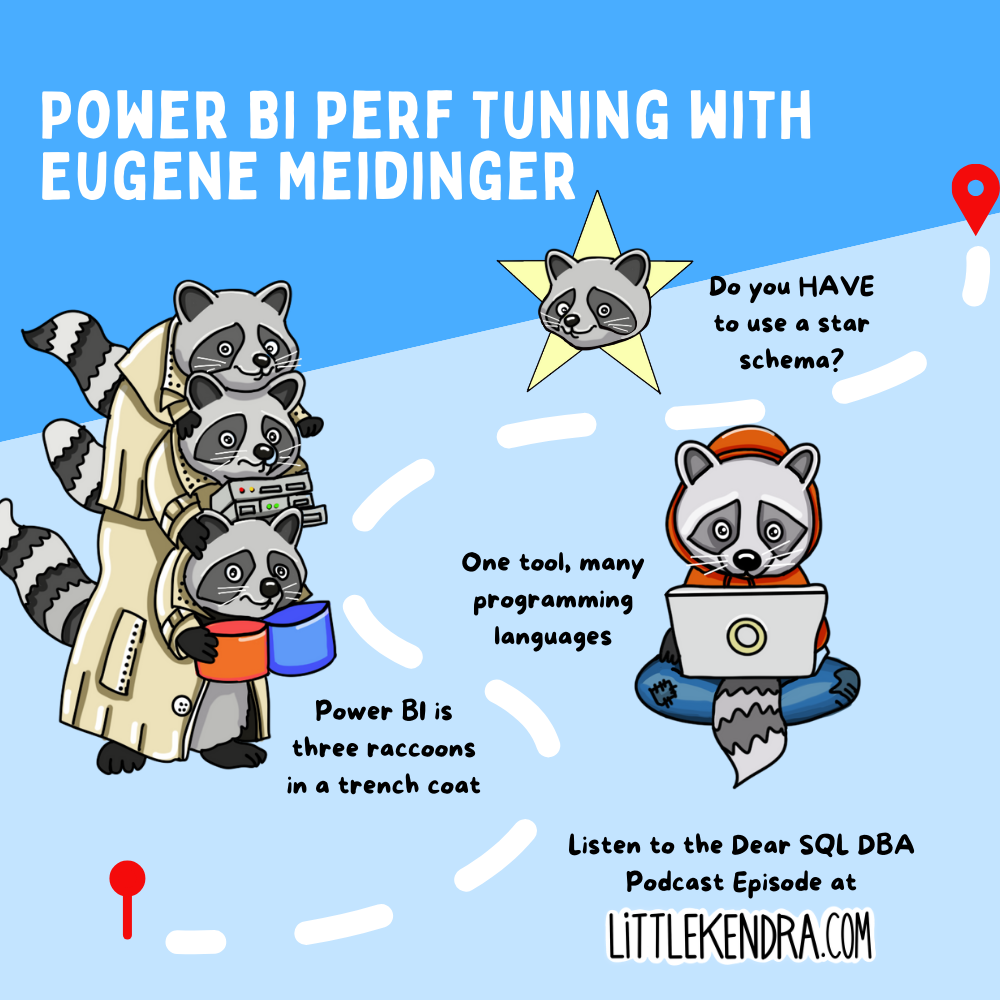
Power BI Performance Tuning with Eugene Meidinger
Eugene Meidinger stops by the Dear SQL DBA Podcast to chat about Power BI Performance Tuning.
We talk about the various engines and languages used in …
Read MoreBy Kendra Little on • 2 min read
I’ve become a PowerPoint fan for a couple of reasons. First, I’ve gotten fairly proficient with PowerPoint, so I can put together presentations quickly and my slides carry greater impact. Also, the PowerPoint team has added features that I believe help me deliver presentations more effectively.
This describes one of those features: the new ‘Zoom’ functionality.
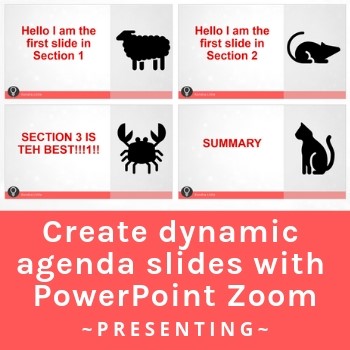
It’s important to give your audience context for where you are in a presentation – especially in a talk longer than 5 minutes. I like to give folks an outline of the narrative at the beginning of the talk in the agenda. While I’m going through the material, I like to return to that agenda and show where we are in the talk.
This has more than one benefit: first and foremost, it helps keep your audience from being too restless, because they understand more how much you’re going to cover. But additionally, I find that it helps solidify learning for your audience by repeatedly contextualizing details within the larger narrative structure. In other words, revisiting an agenda effectively can help prevent “not seeing the forest for the trees.”
For years, I’ve built slides manually that do this – but as you add and remove sections from your talk, it becomes a real pain to update. The ‘Zoom’ feature makes it much easier to build a dynamic agenda, and it’s more powerful than manually created slides can be, too.
As of the time of this writing, Zoom is available in PowerPoint for Office 365, PowerPoint for Office 365 for Mac, and PowerPoint 2019. The documentation from Microsoft is here.


Copyright (c) 2025, Catalyze SQL, LLC; all rights reserved. Opinions expressed on this site are solely those of Kendra Little of Catalyze SQL, LLC. Content policy: Short excerpts of blog posts (3 sentences) may be republished, but longer excerpts and artwork cannot be shared without explicit permission.